
Coming soon to iPhone, iPad and Android
Keep the original. Lose the duplicates.
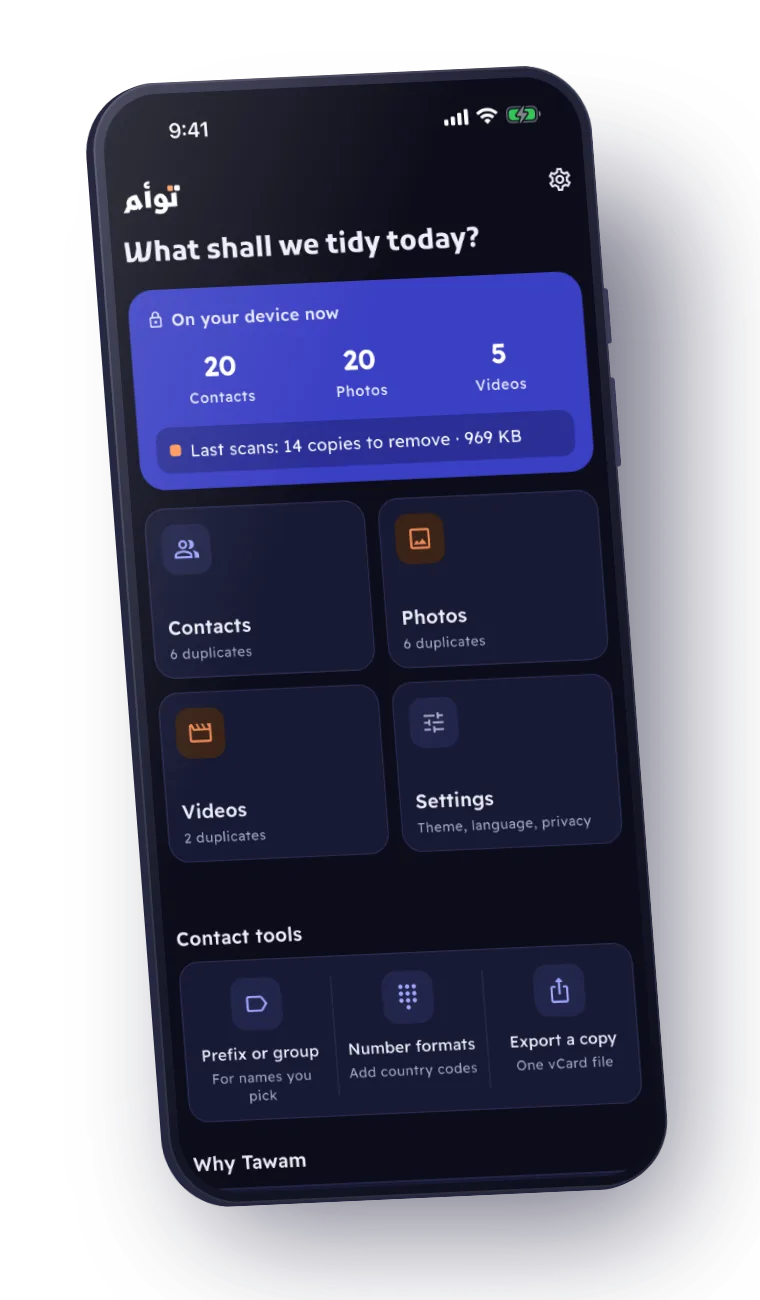
Tawam finds duplicates in your contacts, photos and videos, suggests what to keep, and does it all on your device.
No account, no server, nothing uploaded.
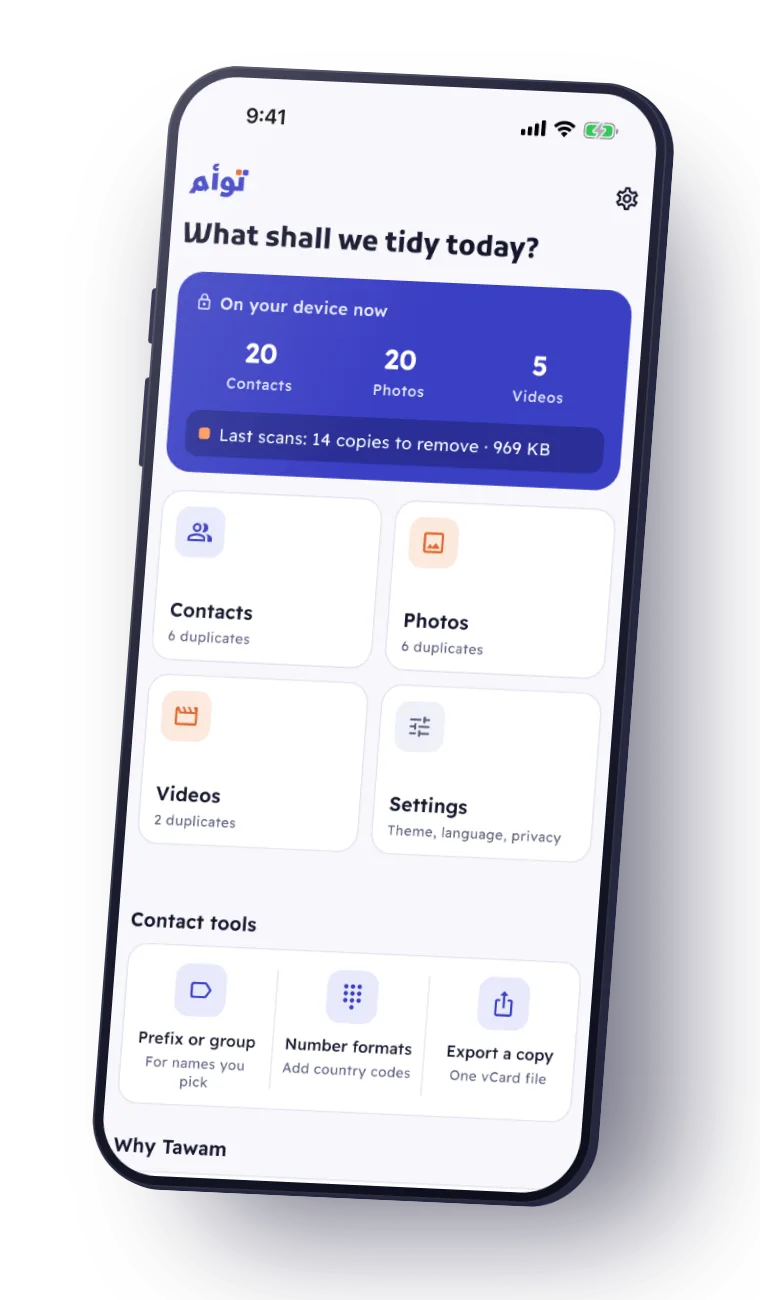
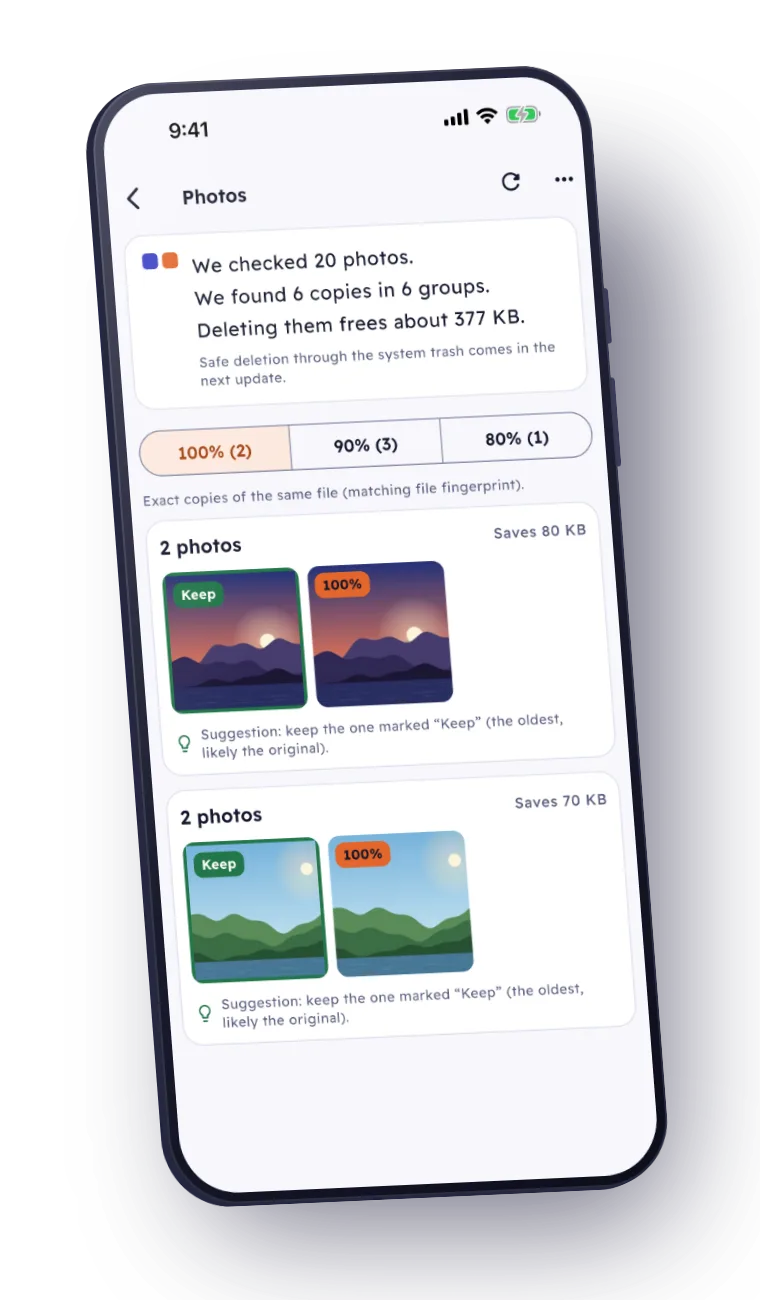
- 100%·90%·80%
- match levels
- 64
- squares in every photo’s fingerprint
- 5
- frames per video
- 0
- servers
Contacts
One card for every person
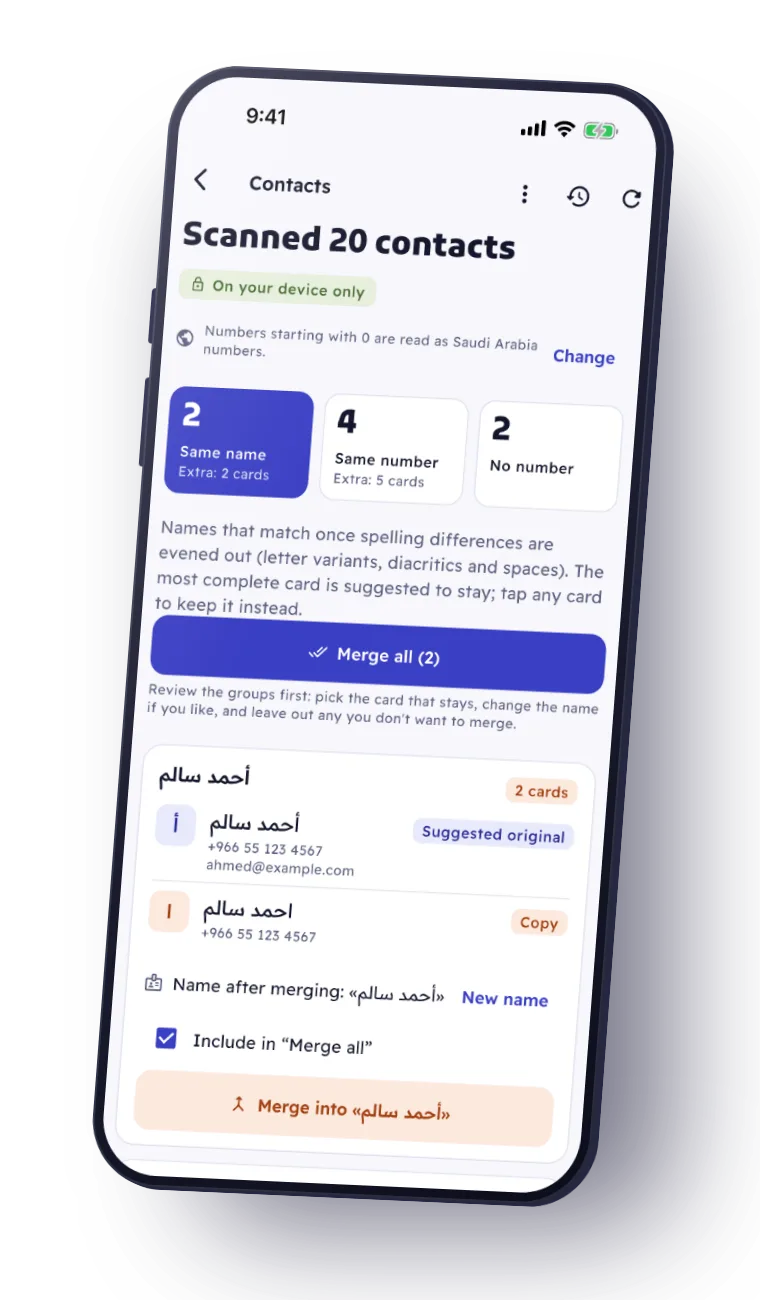
Tawam compares names and numbers the way people read them, not letter by letter.
Duplicate names
After normalising Arabic spelling (أ, إ and آ; ة and ه; ى and ي) and ignoring diacritics. So “أحمد” and “احمد” are one name.
Duplicate numbers
05…, +966… and 00966… are one number, however it was saved.
Names without numbers
Cards that hold only a name, for you to review and decide.
And tools to tidy them
Merge
Combine duplicate cards into the one you choose, with a new name if you like. After review: “Merge all” in one tap.
Uniform number format
05 becomes +966, and 010, 011, 012 and 015 become +20.
Bulk prefix
Add a prefix such as “Eng.” or “Co.” to the names you pick, all at once.
Groups
Put the names you pick into one group.
A full copy
Export your contacts to a single vCard file and save it wherever you want.
Undo log
Every change is logged, so you can put the cards back as they were if you change your mind.
Photos
The same photo, even when the file changed
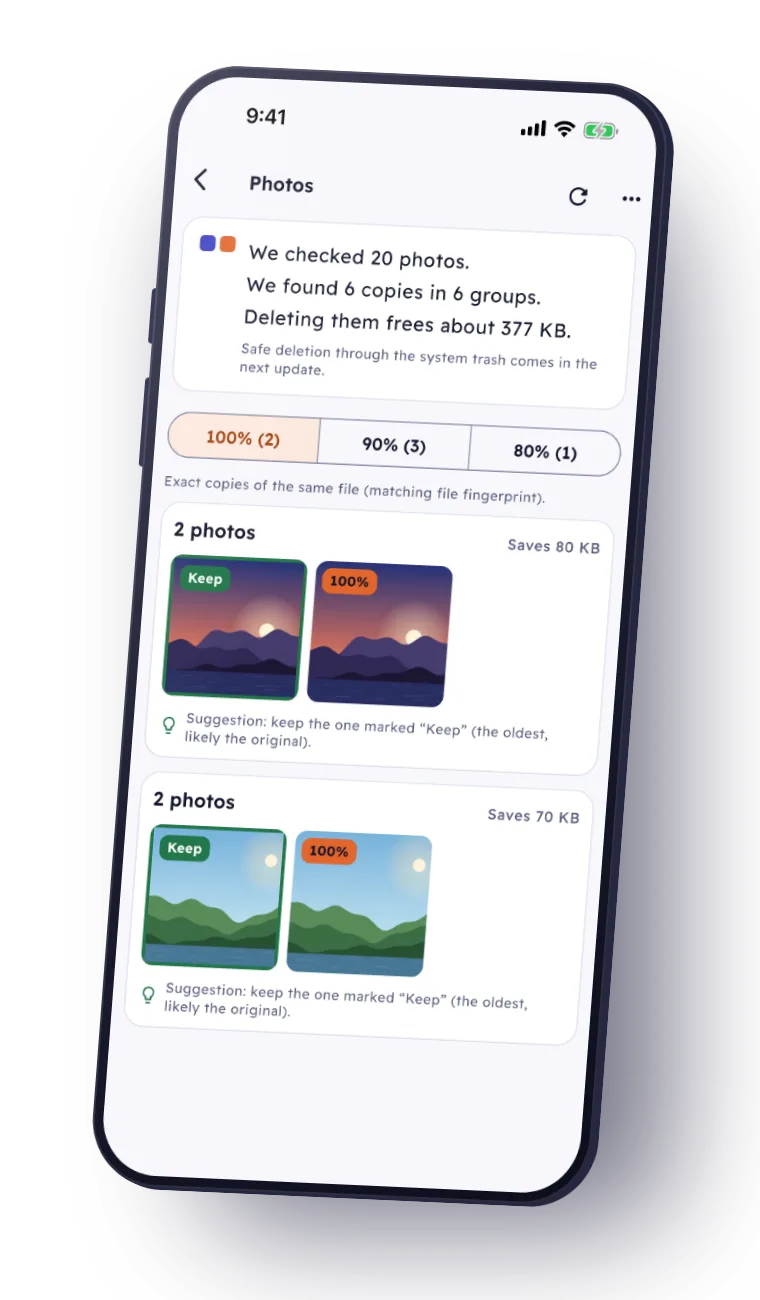
Tawam tells an exact copy from an edited one, and shows you the difference.
Exact match
The very same file, caught by its SHA-256 fingerprint.
The same picture
Re-saved, resized or lightly cropped, caught by a perceptual fingerprint of 64 squares.
What to keep, and why
Tawam suggests the photo to keep and tells you the reason:
- Not a screenshot
- Highest resolution
- Largest file
- A favourite
- Oldest
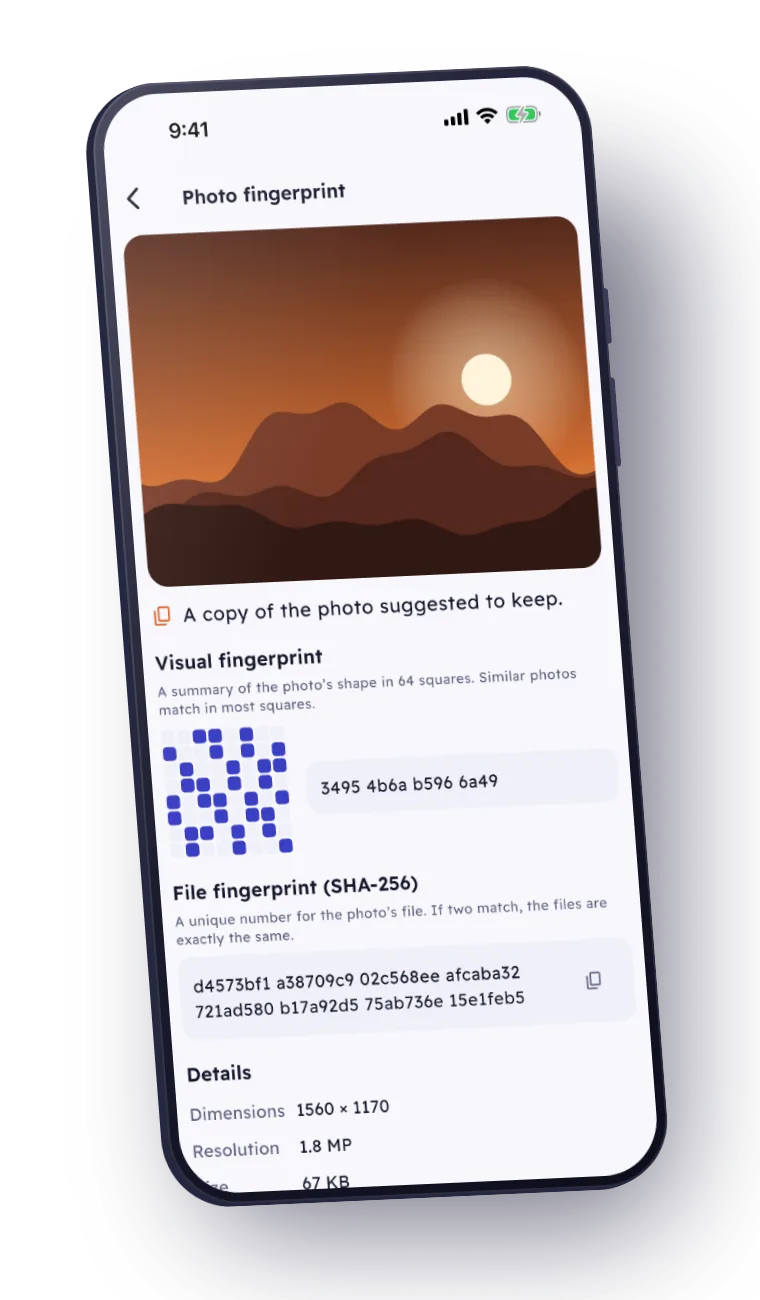
The “Photo fingerprint” screen
See both fingerprints and the photo’s dimensions, size and date, so you know what the match is based on.
How much you save
See the space you will get back before you decide.
Videos
Duplicate videos, without the wait
Videos take up the most space, so their duplicates cost the most.
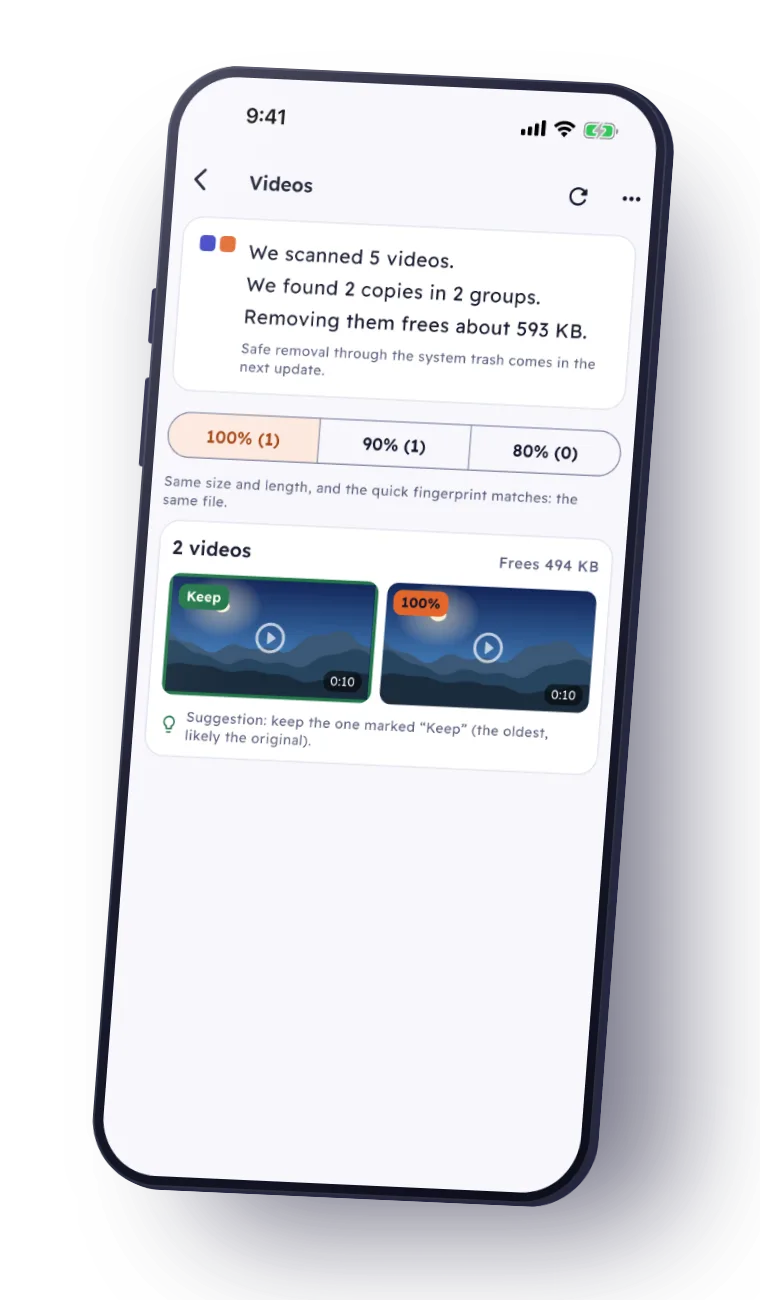
Same size and length
Tawam starts with videos that share the same size and duration.
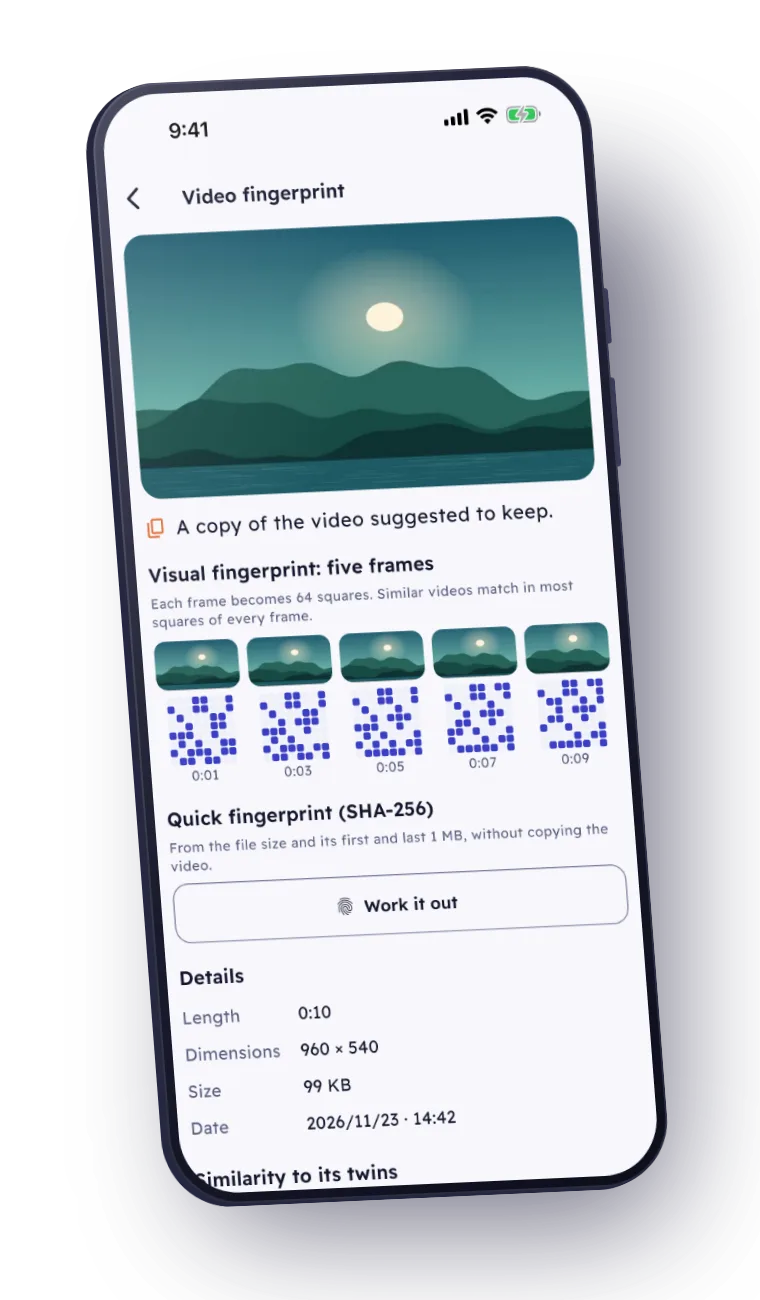
A quick fingerprint
From the start and end of the file, without copying or uploading the video.
Five frames per video
Frames taken along each video reveal similar ones at 90% and 80%.
Privacy
Everything stays on your device
- No uploads
- No copies
- No server
- No account
Numbers, not pictures
The app keeps only numeric fingerprints and the last scan’s result, and they are deleted with the app.
You decide
Tawam deletes nothing before you confirm.
On iPhone: on-device only
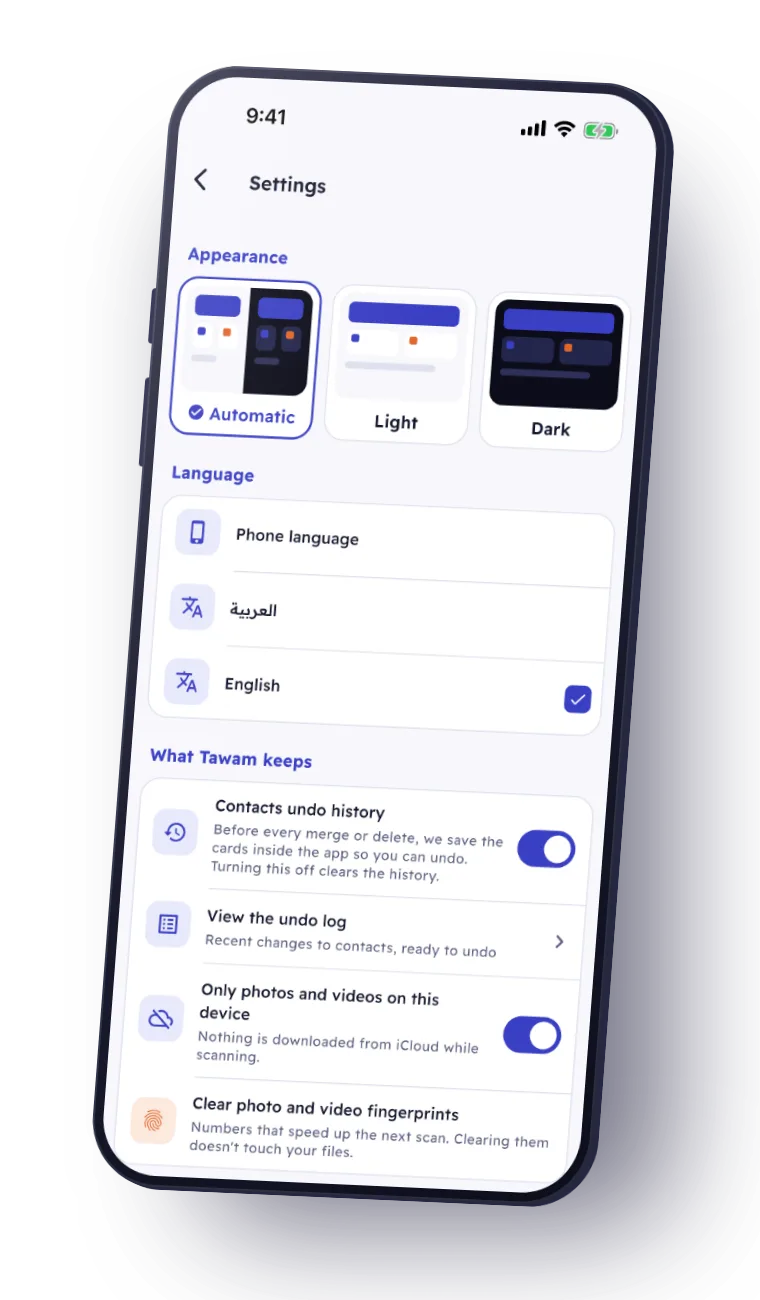
“Only photos and videos on this device” is on by default, so nothing is downloaded from iCloud.
To be clear: contact edits are written to your phone’s contacts, so your system syncs them with iCloud or Google if syncing is on. The app itself sends nothing.
How it works
Three steps, and you decide
-
Allow access
To your contacts, or your photos and videos, when you open the section that needs them.
-
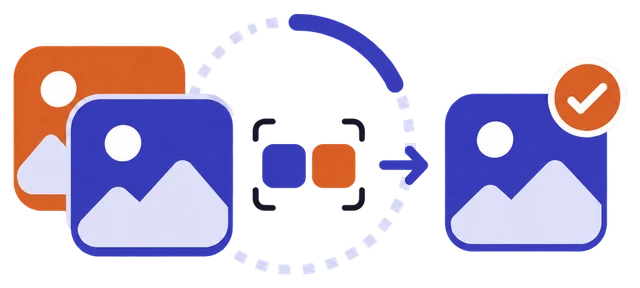
Scan on your device
Tawam compares fingerprints and groups the duplicates, with no server involved.
-

Review and decide
See what is suggested to keep and why, then make the call. Undo is there if you need it.


Look and language
Your language, your device
Dark mode
Light, dark, or automatic with your system.
Arabic and English
The full interface in both languages, right-to-left in Arabic and left-to-right in English.
iPhone, iPad and Android
The same experience across your devices.
Pricing
Pay once. No subscription.
Free download
Get the app and try it on your device, no account needed.
One-time purchase
Unlocks every tool, for life.
- No subscription
- No account
The price will be announced at launch.
FAQ
Common questions
Are my photos or contacts uploaded anywhere?
No. The whole scan runs on your device. The app has no server or account to send anything to, and no analytics or ads.
Will Tawam delete anything without my permission?
No. Nothing happens until you review it and confirm.
Deleting photos and videos is coming in a future update, and it will go through the system bin: Recently Deleted on iPhone for 30 days, and the trash on Android.
What do 90% and 80% mean?
That it is most likely the same picture, but the file has changed: it was re-saved, resized or lightly cropped. Tawam compares a perceptual fingerprint of 64 squares for each photo, and the higher the score, the closer the match. For videos, five frames along each video are compared.
Why might a photo show 99% and not 100%?
Because 100% is reserved for the very same file, with an identical SHA-256 fingerprint. Two photos can look identical to the eye while the files are different.
What does the app store?
Numeric fingerprints of photos and videos (numbers, not pictures or file names), the last scan’s result, the contacts undo log if you keep it on, and your settings. All of it inside the app, on your device.
What if I delete the app?
The fingerprints, the log and the settings go with it. Your photos, videos and contacts stay as they are.
Which devices does it run on?
iPhone, iPad and Android phones.